



Online Banking Upgrade

TIPS & TRICKS
Get the most out of your banking experience.
- Use a passphrase instead of a short password.
- Enable Face ID or fingerprint login (these are also known as biometric authentication).
- Hide shared accounts for a cleaner dashboard.
- Set up alerts and notifications.
- Keep your contact information updated.
QUESTIONS?
We’ve got answers.
Looking for more details about the Online Banking upgrade? Visit our FAQ page for important information, login details, mobile app updates, downtime questions, and more.
STEP-BY-STEP HELP
See the new experience in action.
Explore video tutorials covering everything from logging in for the first time to navigating the upgraded Online Banking and Mobile Banking experience.
Same Topside. Smarter Banking.
A cleaner look, easier tools, and a more connected banking experience designed around how you actually use your money.
WHAT’S NEW?
Banking that feels easier.
- Cleaner, easier-to-use dashboard
- Enhanced security and fraud protection
- Convenient payment reminders
- Quick loan payment options
- Improved transaction organization
- Spanish mode
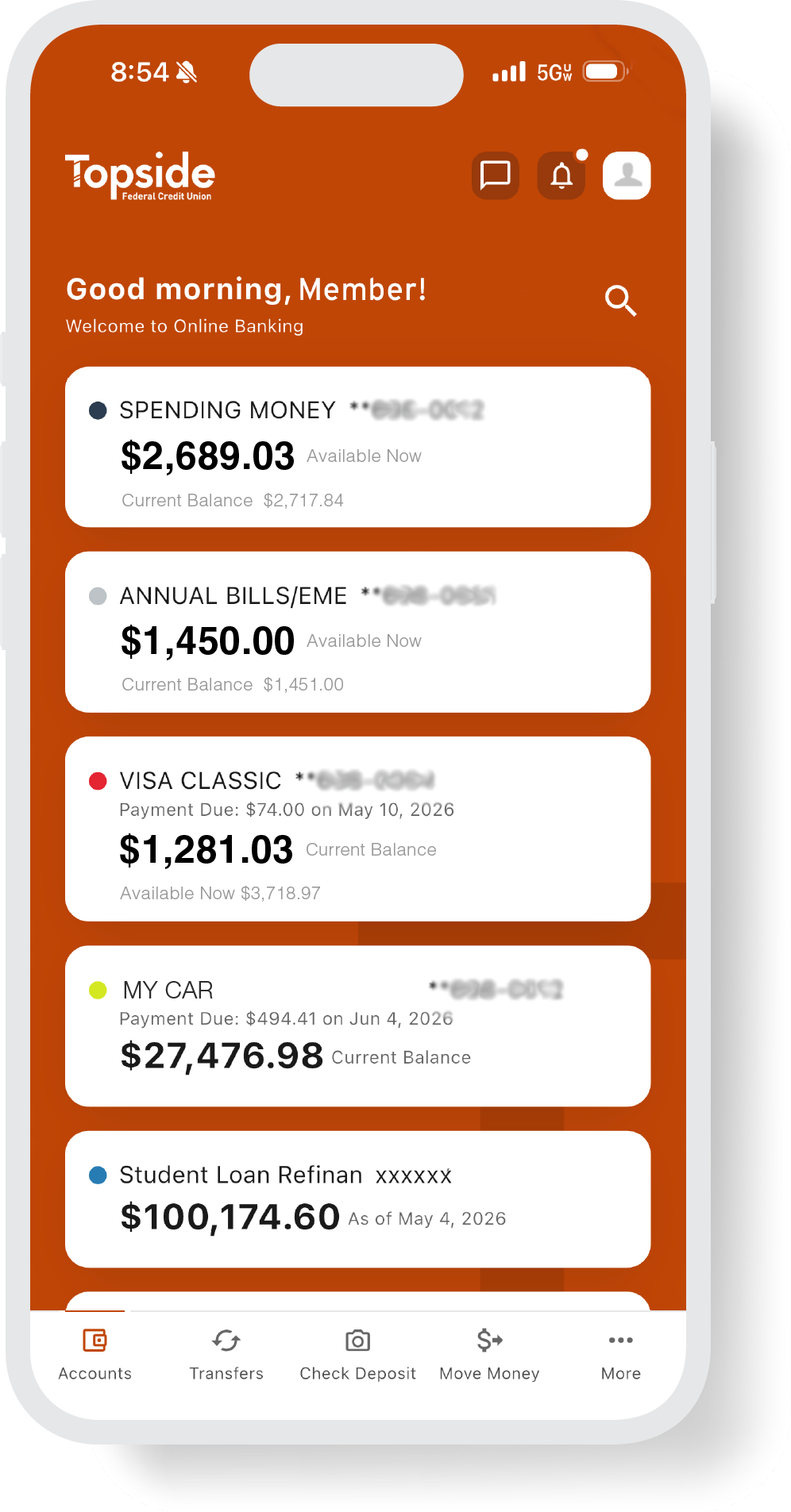
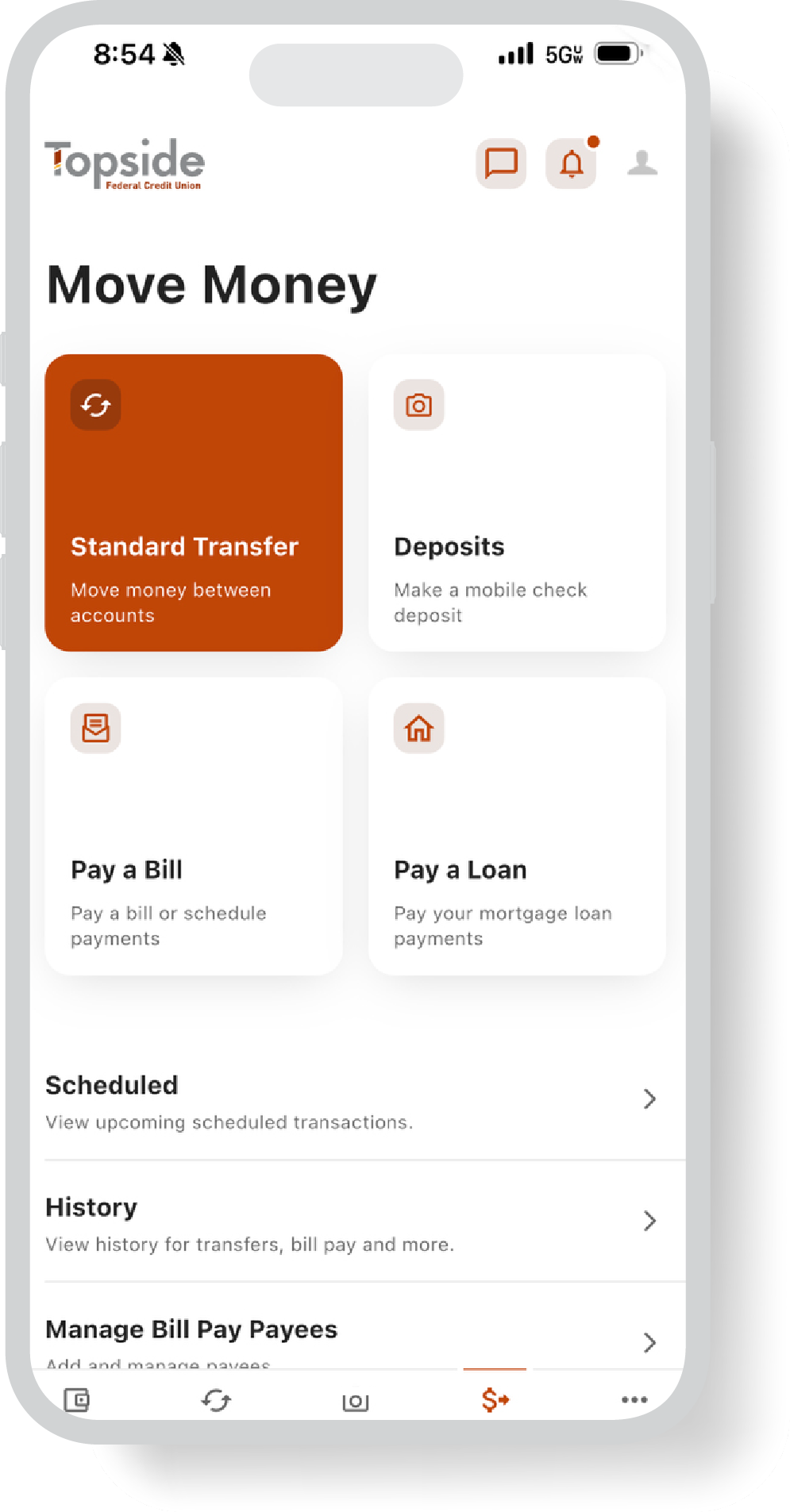
Whether you’re checking balances, transferring money, depositing checks, or managing your cards, everything will feel more connected and easier to use.
Simpler Everyday Banking
Cleaner Dashboard
See balances, transactions, cards, and transfers in one easier-to-use view designed to help you find what you need faster.
Built-In Peace of Mind
Enhanced Security
Stay better connected to your accounts with upgraded security features and improved fraud protection tools.
Bank From Anywhere
Better Mobile Experience
A smoother mobile experience makes it easier to move money, deposit checks, manage cards, and bank on the go.
Warning: You Are Leaving This Site.
You are leaving the Topside Federal Credit Union website.
You are being directed to a third-party website.
This link is provided for your convenience. Please note that this third-party website is not controlled by Topside Federal Credit Union or subject to our privacy policy.
Thank you for visiting our site. We hope your visit was informative and enjoyable.
You are about to follow a link to [Link]. To proceed, click 'Continue' below. To remain on this site, click 'Cancel' below.